
Online music lessons
Online music lessons for children
Children’s lessons are in English, live on Zoom with Dr Banerjee from India. Individual times are agreed subject to available slots; children’s groups are separate from adult groups.
Scheduling and formats
One-to-one lessons can be arranged 24/7, subject to available slots and mutual agreement. Depending on the selected package and available times, they can take place once, twice or three times per week. Groups follow their agreed fixed batch schedule, not individually flexible sessions.
Dates and times are agreed in metropolitan France local time (Europe/Paris). Confirm the date and time of each meeting; do not assume a fixed offset from India around seasonal clock changes.
How it works
A one-to-one lesson lasts 45 to 60 minutes. Times are agreed with you before the plan starts.
One free 15–30-minute one-to-one introductory session is offered before enrolment.
Instruments for children
Piano, guitar, ukulele, singing and music theory.
For parents
You can be present during the lesson. Discuss your child’s subject, level and practical needs with Dr Banerjee.
Prepare the first inquiry with your child
Ask the child what attracts them: an instrument’s sound, wanting to sing or enjoying a recognisable melody. Also note what is practically possible at home. An interest in their own words is more useful than an ambitious goal chosen only by an adult. This page sets no universal minimum age; discuss whether the format is suitable directly.
For a student under 18, a parent or guardian must confirm in writing before enrolment or a lesson is confirmed. At contact, give age, intended subject and family availability in French local time. Do not assume an open group place or that the French website means instructions will be in French.
The parent’s practical role during video lessons
Before the appointment, position the device securely and check that the child can hear and see without leaning awkwardly. Identify an adult who can help if sound or connection drops. Being available does not mean answering for the child: the aim is to support communication, not turn the family into a second teacher.
Between lessons, check instrument access and that practice does not disrupt sleep or other commitments. Discuss comfort and willingness to participate instead of comparing children. Children’s groups are separate from adults’ and follow a fixed schedule; discuss family constraints before choosing that format.
When a session feels difficult: what to observe
A child leaving the screen does not necessarily lack interest in music. They may not hear an instruction, may be looking for a key outside the camera view, or may no longer understand the English being used. Notice what happens just before the difficulty. Describing a specific situation supports a more useful discussion than immediately deciding the child is not musical.
A parent can help restore sound or camera position, then give the child time to respond. Avoid several corrections at once. Between appointments, a specific manageable task is easier to follow than a general instruction to practise more. If the child experiences pain or unusual fatigue, stop the exercise and mention it; no musical goal justifies forcing through discomfort.
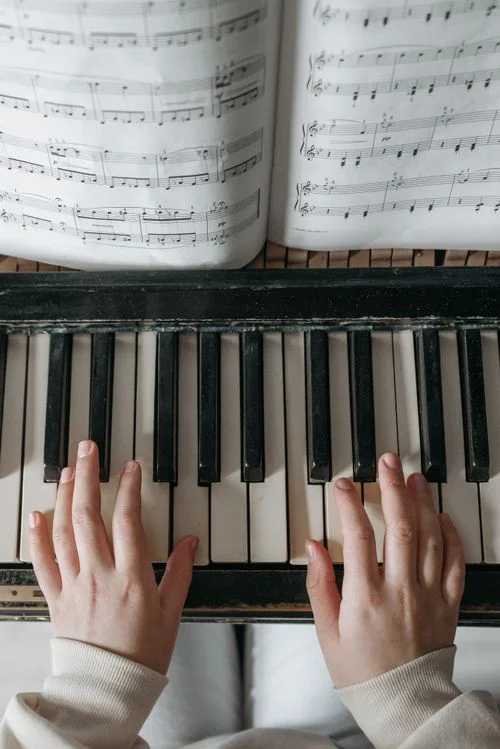
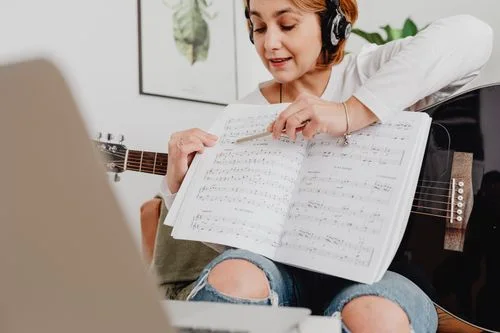
Music and practice in pictures
Licensed illustrative photographs; these do not depict the teacher or his students.

Ready to start?
One free 15–30-minute one-to-one introductory session before enrolment. This is not a regular paid class or a group trial.
You can contact Dr Banerjee directly by WhatsApp, email or a phone call. No form is compulsory.