Online music lessons
Privacy policy
This page explains what data is collected and how it is used.
Data collected
The optional form prepares a draft for Dr Banerjee’s WhatsApp. You must send it yourself in WhatsApp. Opening the draft does not deliver an inquiry or confirm a booking. This form sends nothing to a site server.
When you choose to send Dr Banerjee a message by WhatsApp or email or speak by phone, he receives the information you share to answer your inquiry and arrange lessons. Typing in the optional form alone does not deliver that information.
The site is hosted by Vercel, which processes standard technical data (IP address, browser) to keep the site secure and delivered.
For a student under 18, I collect the parent or guardian's name and contact details. I contact a parent or guardian before a lesson is booked, and no enrolment or lesson is confirmed until a parent or guardian has confirmed in writing.
Payments are processed by PayPal, Remitly, Western Union or by bank transfer, depending on the method you choose, and each provider applies its own privacy policy. Lessons take place on Zoom or WhatsApp, as agreed.
How long information is kept
- Enquiries from people who do not enrol: 12 months.
- Details of enrolled students: 12 months after the last lesson.
- Payment statements and written fee acknowledgements: 10 years, in line with article L. 102 B of the French tax procedure code (Livre des procédures fiscales).
- Practice clips a student sends: only as long as needed for lesson feedback, then deleted.
How it is used
Your data is used to answer your request and organise your lessons. Dr Banerjee does not sell it.
Language preference
The site remembers your language choice in your browser’s local storage (localStorage, key dbm-lang), not a cookie. It is used to direct you from the root homepage and remains until you clear it in your browser. This storage does not send your preference to a server.
Your rights
You can ask for access to, correction of, or deletion of your data by writing to drbnrj@gmail.com.
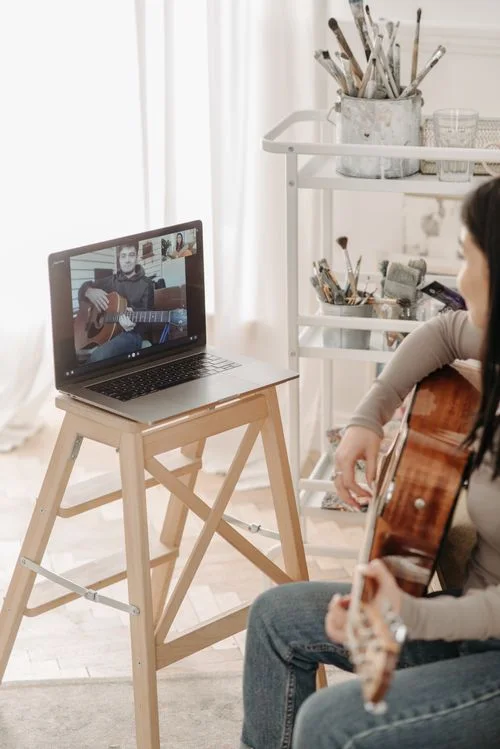
Music and practice in pictures
Licensed illustrative photographs; these do not depict the teacher or his students.