
Editorial guide · France
How to choose an online music teacher: 7 checks
Date:
Updated
Choosing an online music teacher takes more than a polished video. Look for an identifiable person who can explain what they offer and on what terms. These seven checks help separate reputation, qualifications and the practical quality of tuition.
1 and 2. Check who teaches and what they teach
Ask for the name of the person who will actually deliver the lessons. A brand or marketplace may use several teachers. Then check the specific subject: classical piano, accompaniment, electric guitar and Indian singing do not require identical backgrounds.
When a qualification is advertised, look for a verifiable source. A list of titles without links or context does not by itself show how someone works with a beginner.
3 and 4. Ask about explanations and language
You should be able to understand an instruction and ask a question. Ask how work between lessons is agreed and how difficulties are revisited. A promise of rapid results is not a substitute for a clear learning approach.
Here, the confirmed teaching language is English. Dr Banerjee personally teaches from India, live on Zoom. The French website translation does not mean French-language teaching. Mention any accessibility or support needs as well.
5 and 6. Test the setup and read the terms
Lessons take place on Zoom. Check the camera view, audio and what to agree in case of a connection failure. Official guidance explains available settings, which vary by device.
Read the duration, plans, absence, rescheduling and refund terms. Ask about payment arrangements and confirmation of the slot. Keep written answers without sharing more personal information than necessary.

7. Separate an introduction from enrolment
On this website the offer is one free 15–30-minute one-to-one introductory session before enrolment. It is not a regular paid class or a group trial. No particular assessment activity is promised here.
Contact Dr Banerjee directly by WhatsApp, email or phone without a form. The optional form prepares a WhatsApp or email draft for you to send in your app. Opening it does not confirm receipt or a booking. Read the teacher information and fees before deciding.
Check what personal teaching means
A teacher’s name on a page does not always establish who delivers meetings. Check the actual teacher, language and interaction format. This offer confirms that Dr Banerjee personally teaches from India. It describes neither a local team nor a platform automatically assigning an available instructor.
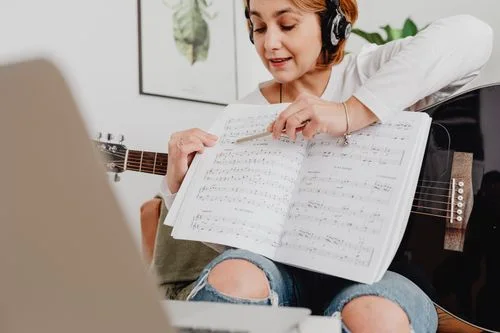
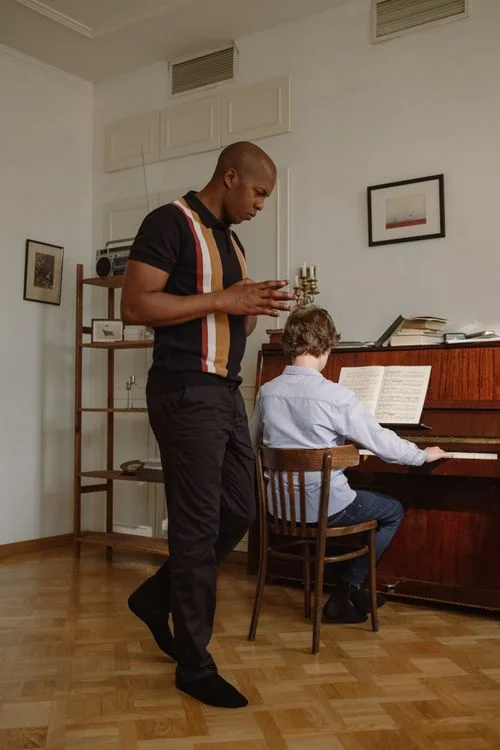
Separate that information from illustrative photos and testimonials. Photos do not show students or compulsory equipment; reviews describe individual experiences. Neither replaces terms, time confirmation or a specific answer about the subject you seek.
A three-part inquiry instead of an impersonal questionnaire
First describe subject, experience and accessible equipment. Add a real constraint, such as changing availability or helping a child connect. Finish with a question whose answer would help a decision. This encourages a more useful exchange than asking for a general progress guarantee.
After a reply, check practical understanding: English teaching, live meetings, intended plan and contact arrangements. Do not send identity documents or bank data for initial information. The website provides no automatic booking; opening a draft confirms no place.
A question such as ‘I lose the pulse when changing chords’ provides more information than ‘I want to be good’. A teacher can explain how they would separate rhythm, movement and listening without promising a result after a fixed lesson count. Notice whether the explanation makes sense to you in English. Saying when you do not understand an instruction is more useful than pretending and discovering the problem after enrolment.
Frequently asked questions
Who personally teaches here?
Dr Banerjee, an individual self-employed teacher working from India.
Does the French website mean French teaching?
No. The website is bilingual, but lessons are in English and live on Zoom.
How do I check who delivers the lesson?
Ask who teaches and in which language. Here Dr Banerjee personally teaches in English.
Official resource and context
Zoom music audio settings: technical guidance for preparing sound for these live Zoom lessons.
Plan your next step
Bring an observable problem to the first conversation: bring one concrete observation to the first conversation.
One free 15–30-minute one-to-one introductory session before enrolment. This is not a regular paid class or a group trial.
Instruments · About the teacher
The form prepares a WhatsApp or email draft for you to send yourself. Opening a draft does not confirm a booking.
Continue reading
Photographs illustrate the topics; they do not show students, compulsory equipment or brand endorsements.