
Editorial guide · France
What equipment do you need for online music lessons?
Date:
Updated
Online music lesson equipment should start with what you already own. You need to see, hear and use the instrument comfortably. Expensive equipment does not compensate for a badly positioned camera or a connection that repeatedly drops.
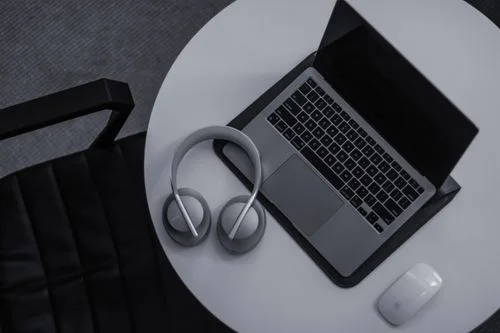
1 and 2. A usable instrument and device
Have a working instrument within reach. For a keyboard, check power and sound output; for a guitar, tuning and comfort. Ask what specifications the teacher expects rather than assuming a toy or app is enough.
A computer, tablet or phone may provide camera and microphone, depending on the available view. Keep the screen readable at a normal distance. Connect power if needed and silence distracting notifications.
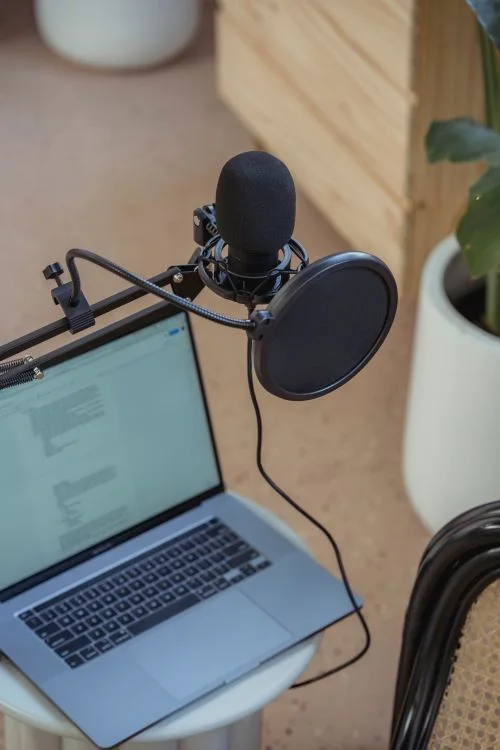
3. Framing and light
Put the device on a stable support, not somewhere that makes you play at an angle. Piano hands and posture may need a different view from an ordinary conversation; for singing, face and upper body matter.
Light from in front usually gives a clearer view than a bright window behind. Check the screen result. An external camera is an option, not a universal requirement.
4. Audio: listen before buying more
Test speech, a sustained note and a musical phrase. Check for clipping and for notes being cut by speech processing. Headphones may reduce feedback, but their usefulness depends on the setup and instrument.
Zoom’s official documentation describes music settings; other applications have their own options. Dr Banerjee does use Zoom for live lessons, taught in English from India. An external microphone should solve an identified problem rather than merely look professional.
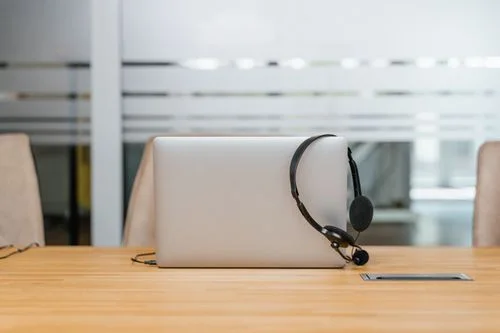
5. Connection and a fallback plan
Make a test call in the room and at the time you intend to use. Compare a wired connection with Wi-Fi if your device allows it. Close unnecessary downloads and applications; an advertised connection speed does not guarantee a stable call.
Ask how to report a disconnection and what happens if a lesson cannot continue. Agree conditions rather than inventing them during a problem. Keep a way to retrieve the meeting link or contact without rebuilding the setup.
Identify the problem before choosing an accessory
Classify the observed problem: unusable framing, cut sound, unreliable connection or awkward device placement. An external camera does not solve all four. If hands leave the frame, try another stable position first; if sound vanishes, examine audio settings. The aim is a real need, not building a studio.
For a possible purchase, check connections and device compatibility. A different plug may require an adapter and occupy the only available port. Studio photographs do not establish a need for an expensive microphone, interface or lighting in your situation.
Make the setup easy to reproduce
Sit or stand in actual playing position before adjusting the camera. Check cables, power and somewhere for music or lyrics. If the support makes you turn your neck or hides a hand, the image can be sharp but unhelpful. Stable framing matters as much as advertised resolution.
Note what worked: support position, approximate distance and sound setting. A personal note helps next time without transmitting anything to the website. Retest after changing rooms or instruments; a setting comfortable for speech is not automatically suitable for music.
A camera stand does not fix the wrong microphone selection, and an audio interface does not replace access to an instrument. Before buying, write down the observed limitation and expected change. Try one simple reversible adjustment: moving the device closer, removing an obstruction or choosing another angle. If nothing changes, keep that information for the technical discussion. This prevents a list of possible accessories becoming a shopping list required to begin.
Frequently asked questions
Must I buy an external camera?
Not necessarily. A built-in camera may work when it provides useful framing.
Does a studio photo make all its equipment compulsory?
No. Photographs are licensed illustrations, not a compulsory shopping list.
What can a new camera solve?
It may help framing depending on the setup but does not automatically fix connectivity or audio dropouts.
Official resource and context
Zoom music audio settings: technical guidance for preparing sound for these live Zoom lessons.
Plan your next step
Buy only after identifying the limitation: bring one concrete observation to the first conversation.
One free 15–30-minute one-to-one introductory session before enrolment. This is not a regular paid class or a group trial.
Instruments · About the teacher
The form prepares a WhatsApp or email draft for you to send yourself. Opening a draft does not confirm a booking.
Continue reading
Photographs illustrate the topics; they do not show students, compulsory equipment or brand endorsements.